


Top 10 LinkedIn Ads Automation Tools for B2B Marketers in 2026

Explore the top LinkedIn Ads automation tools for B2B marketers. See how each platform handles campaign automation, integrations, pricing, and more.
August 7, 2026
LinkedIn Ads



Jess Amaral
Head of Growth
LinkedIn Ads automation tools for B2B marketers take care of the campaign tasks nobody enjoys.
Instead of constantly checking budgets, pulling reports, and keeping an eye on performance, you can let automation platforms handle the routine.
That leaves you with more time to test bold ideas, write better ads, and figure out what actually drives pipeline.
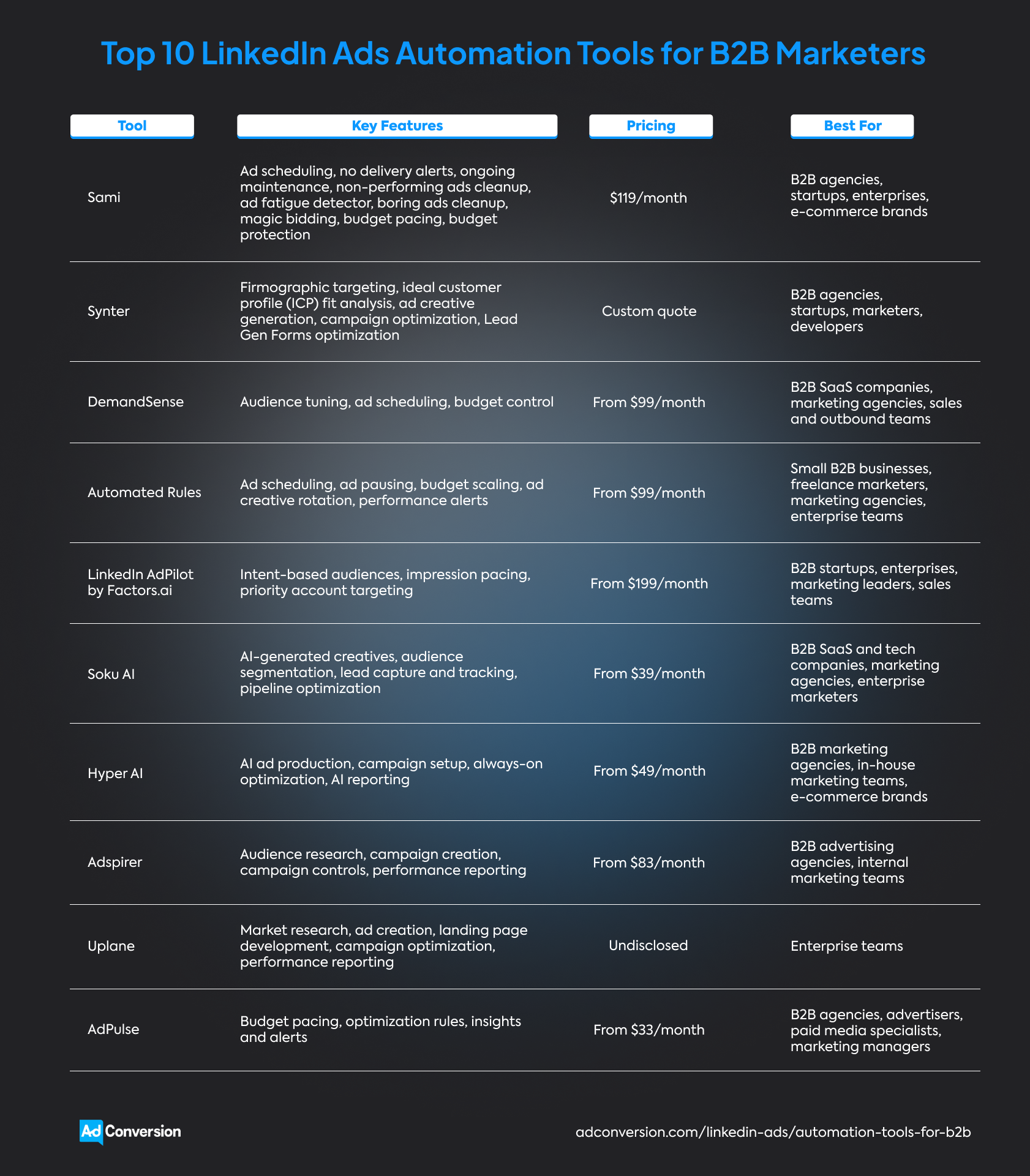
Some of the best LinkedIn Ads automation tools for B2B marketers are…
Here's the thing, though. Every tool has its own flair.
Some feel like an AI teammate you can chat with, while others keep your campaigns on track behind the scenes.
The best choice goes beyond flashy automations.
You also need to compare integrations, customer reviews, best use cases, and pricing to find the platform that fits the way you like to run LinkedIn Ads.
Disclosure: This article was written by AdConversion, a B2B advertising agency and education platform, and the creator of Sami, the first LinkedIn Ads automation tool on this list. The blog post was last updated in August 2026 and reflects the author’s perspective rather than an independent editorial review. The tools were evaluated using publicly available website information and reviews from G2 and Trustpilot. The order is random and doesn’t represent a ranking system. AdConversion has no affiliate or commercial ties to the other tools listed.
1. Sami
Sami is an AI-powered LinkedIn Ads automation tool that takes over the repetitive optimization work that piles up as your account grows.
AdConversion built the platform after years of running B2B SaaS paid media programs to give marketers a faster way to scale campaigns.
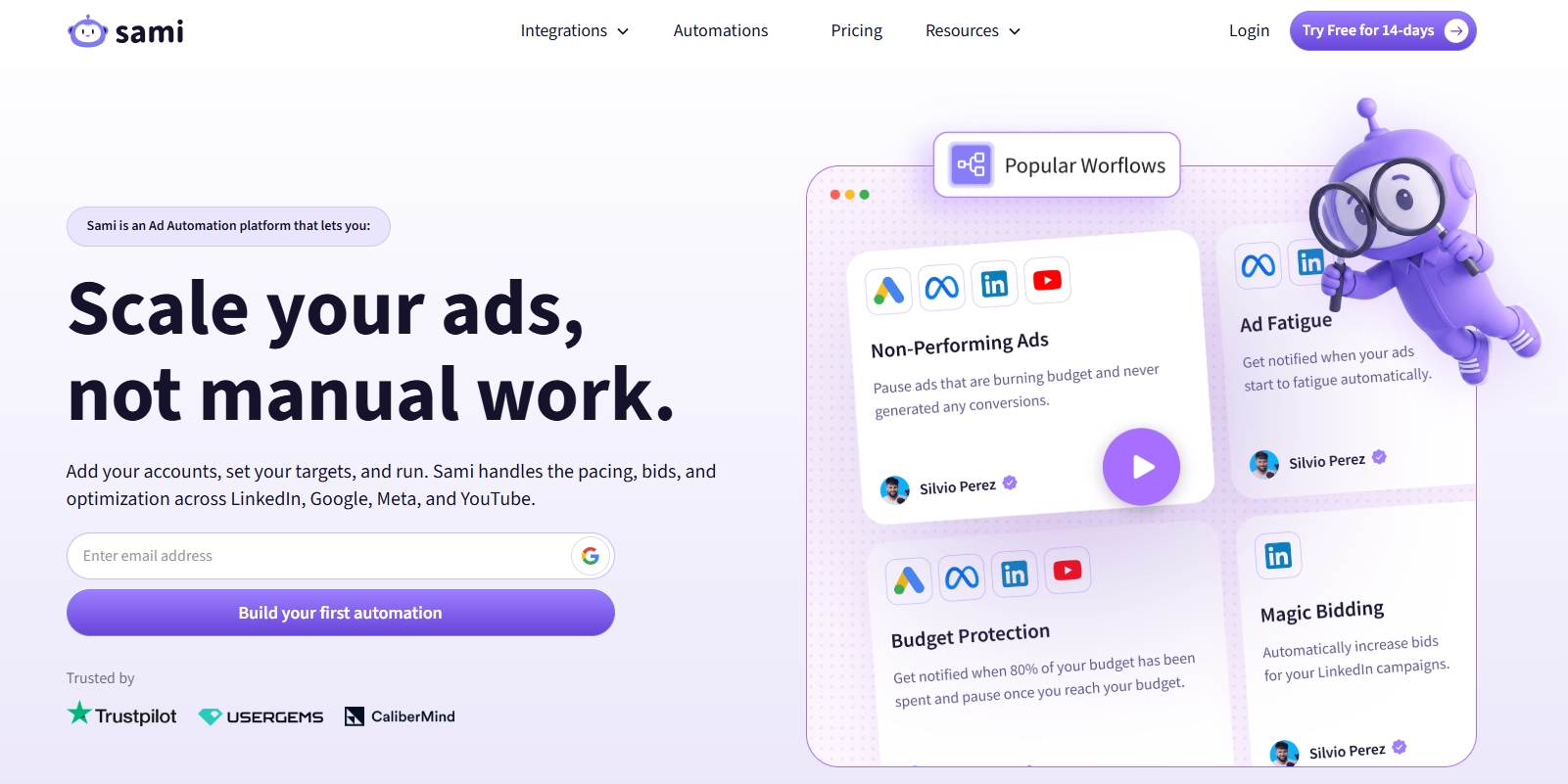
Getting started with Sami is easy. You connect your LinkedIn Ads account and create no-code automations called SAMs.
SAMs tell the AI sidekick what to look out for, which key performance indicators (KPIs) matter most to you, and what to do when an ad hits or misses your targets.
Once everything is up and running, Sami monitors your LinkedIn Ads account 24/7.
It catches performance and budget issues long before your next account review and takes immediate action based on the rules you set.
If you want to stay in control, Sami can ask for your approval in Slack before making any changes.
You also get access to a live Budget & KPIs dashboard that shows exactly where your ad spend is going.
Instead of piecing together reports, you can see your budget pacing and campaign performance all in one place.
This makes it much easier to catch problems early and keep your LinkedIn Ads running efficiently.
LinkedIn Ads automations
Integrations
Sami doesn't stop at LinkedIn Ads. You can also connect your Google Ads, Meta Ads, and YouTube Ads accounts to automate all your paid campaigns from one place.
The AI assistant also plugs into Slack to send you real-time updates and let you review, approve, or override changes.
Pros
Client testimonials and one G2 review highlight the following:
- A marketing agency praises Sami for effectively optimizing campaigns and reducing wasted ad spend while delivering excellent customer support.
- The senior director of demand at UserGems says Sami is the first automation tool the team trusted to make optimization decisions on its own because it was built by a B2B paid media agency.
- The global paid media manager at Trustpilot created over 50 Sami automations that now perform five million account checks every month, save 300 hours of manual work each year, and deliver a 12x return on investment (ROI).
Cons
The only available G2 review indicates one drawback:
- The same marketing agency mentioned that some parts of the interface could be easier to navigate and asked for built-in reporting.
Since 2025, however, when that review was posted, AdConversion updated the interface and added the Budget & KPIs dashboard. You can now see live budget pacing and performance reporting in one place.
Best for
- B2B agencies managing many client accounts on LinkedIn Ads that want to catch problems before they turn into difficult conversations.
- B2B startups that need to squeeze more pipeline from every ad dollar without hiring additional paid media specialists.
- B2B enterprises running large LinkedIn Ads budgets that need round-the-clock campaign monitoring and optimization.
- B2B e-commerce brands that want to stop wasting ad spend on losing ads and quickly put more budget behind the ones that keep selling.
Pricing
$119/month or get a 20% discount on the annual plan.
You can also sign up for a free 14-day trial to see how it works.
Learn more about Sami in AdConversion’s YouTube guide to LinkedIn Ads automation.
2. Synter
Synter is an AI agent that sits in the driver's seat of your LinkedIn Ads account while you decide where to go.
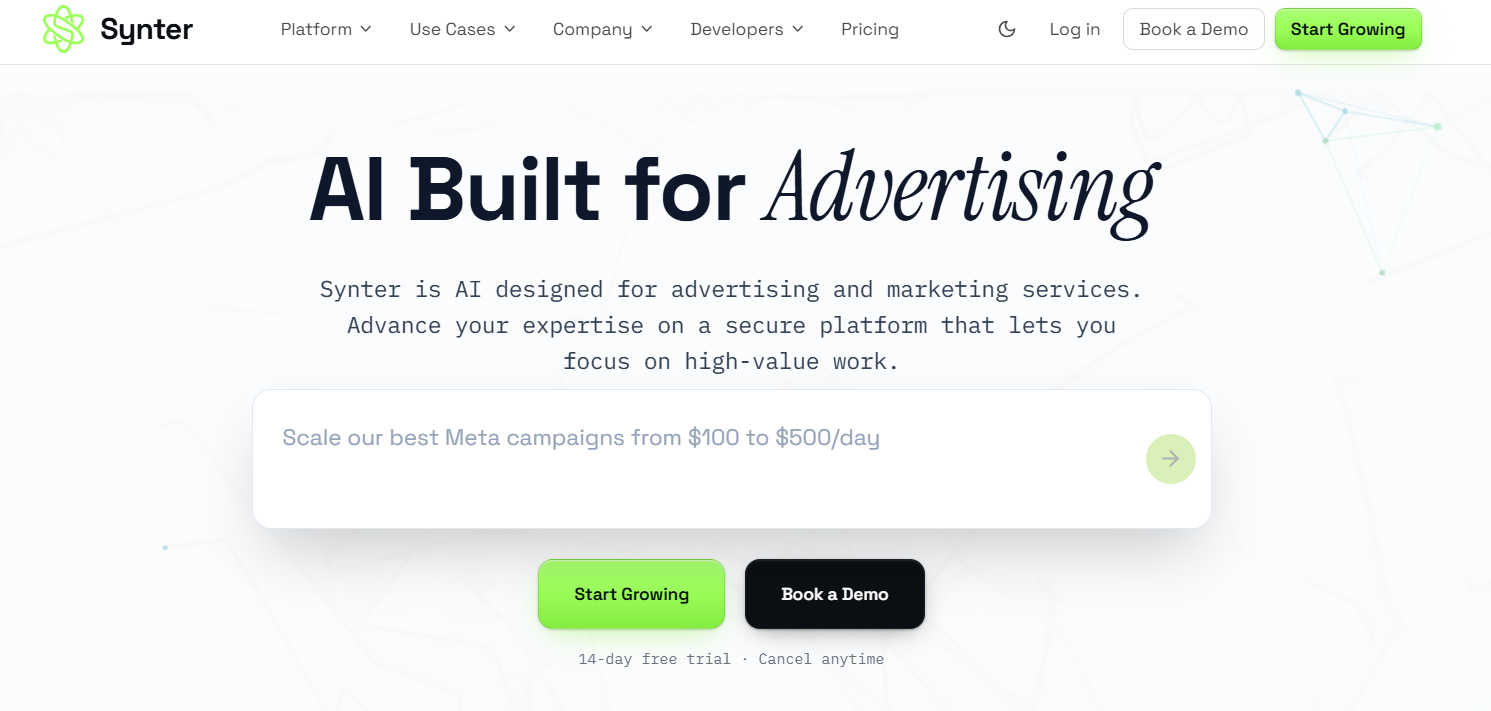
Instead of just handing you another list of recommendations, it gets the work done for you.
The platform is built for B2B marketers and pairs AI with firmographic targeting to make better optimization decisions.
LinkedIn Ads automations
Integrations
In addition to LinkedIn Ads, Synter also works with Google Ads, Microsoft Ads, Meta Ads, Reddit Ads, and X Ads.
If you already use AI tools like ChatGPT, Claude, Cursor, Clay, or n8n, you can connect those as well.
Pros
Based on the only G2 review available:
- A strategic advisor says Synter saves the team hours of manual work every week with reliable AI automations, a user-friendly interface, integrations, and great onboarding support.
Cons
Only one area for improvement is mentioned in the G2 review:
- The same strategic advisor notes that it takes some time to learn more advanced features, but the documentation and support team are very helpful.
Best for
- B2B agencies that want to take on more LinkedIn Ads clients without growing their team at the same pace.
- Startups that would rather build their business than spend hours inside the Campaign Manager.
- B2B marketers who want AI to handle the repetitive account work while they focus on strategy, testing, and pipeline.
- Developers looking for a LinkedIn Ads automation platform they can quickly plug into their own AI workflows and applications.
Pricing
LinkedIn Ads automation is currently available only with Synter's Enterprise plan, which has custom pricing. So, you need to contact the sales team to get a quote.
3. DemandSense
DemandSense is a LinkedIn Ads intelligence platform that shows you who's genuinely interested in your business.
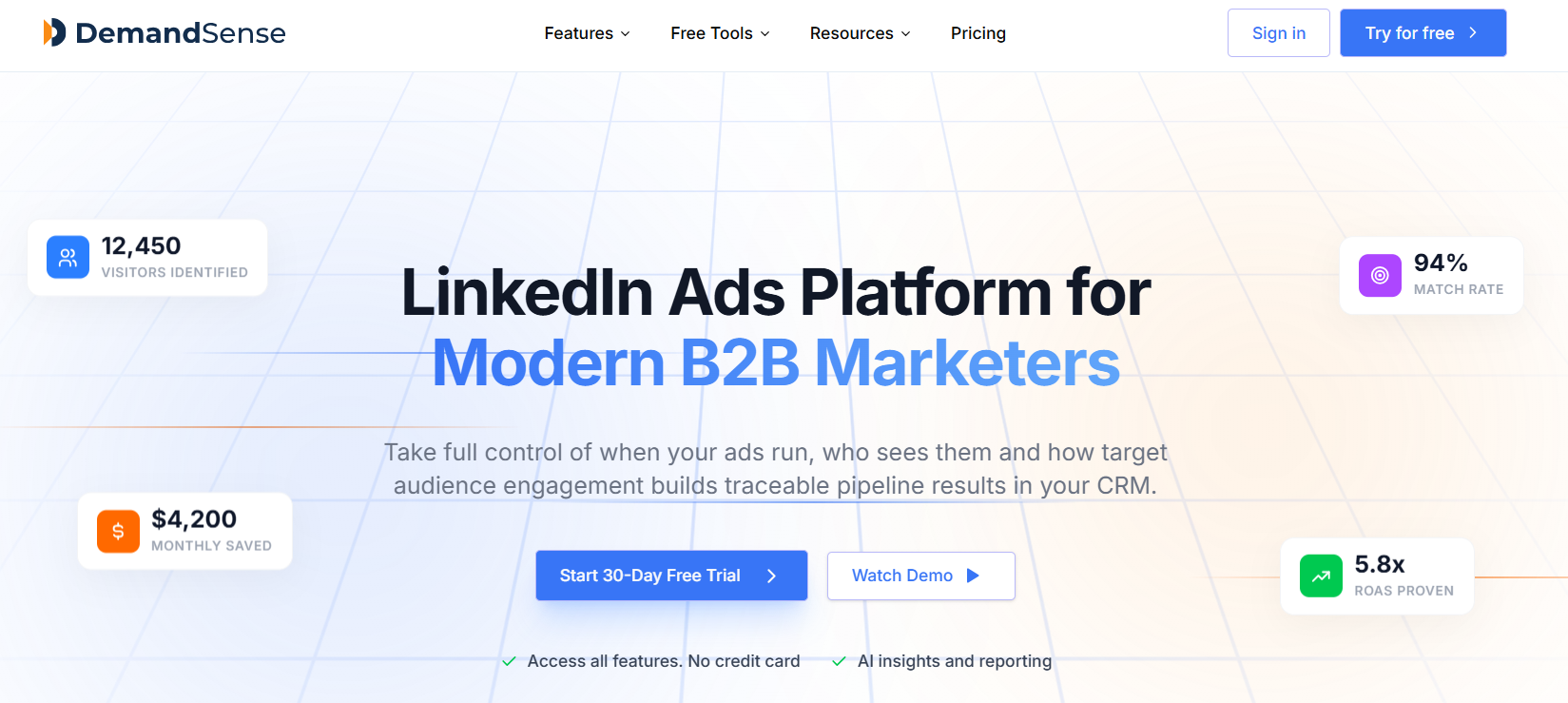
It connects buyer engagement across your campaigns and website, so every optimization starts with real buying signals.
You make smarter targeting and campaign decisions while DemandSense handles the day-to-day optimization.
LinkedIn Ads automations
Integrations
DemandSense is built exclusively for LinkedIn Ads, so it doesn’t integrate with other B2B ad platforms.
However, it integrates with customer relationship management (CRM) systems such as Salesforce, HubSpot, and Marketo to help measure your pay-per-click (PPC) ROI.
Pros
From what users mention in G2 reviews:
- A LinkedIn Center of Excellence considers ad scheduling a big win because it puts the team, not LinkedIn, in charge of when campaigns spend budget.
- An IT services company says DemandSense finally shows which companies are engaging with its marketing, making LinkedIn Ads performance much easier to understand and act on.
- A B2B lead generation agency mentions that having more control over campaign timing, audience exclusions, and budgets helped it cut wasted spend.
Cons
Reviewers on G2 also have this to say:
- A marketing company says DemandSense packs in a lot of functionality, so it takes longer to learn than other LinkedIn Ads tools.
- A small business mentions that the AI-powered features are helpful, but still need a human review from time to time.
- A lead generation firm points out that visitor identification is currently limited to the US, which can be a drawback for international companies.
Best for
- B2B SaaS companies that want to see exactly how LinkedIn Ads for SaaS contribute to pipeline and revenue across long sales cycles.
- Marketing agencies juggling multiple LinkedIn Ads accounts that need better control over budgets, delivery, and optimization.
- Sales and outbound teams that want to know which target accounts are already showing buying intent before making first contact.
Pricing
From $99/month
4. Automated Rules
Automated Rules is an ads automation tool built for B2B marketers who are sick and tired of repeating the same tasks over and over again.
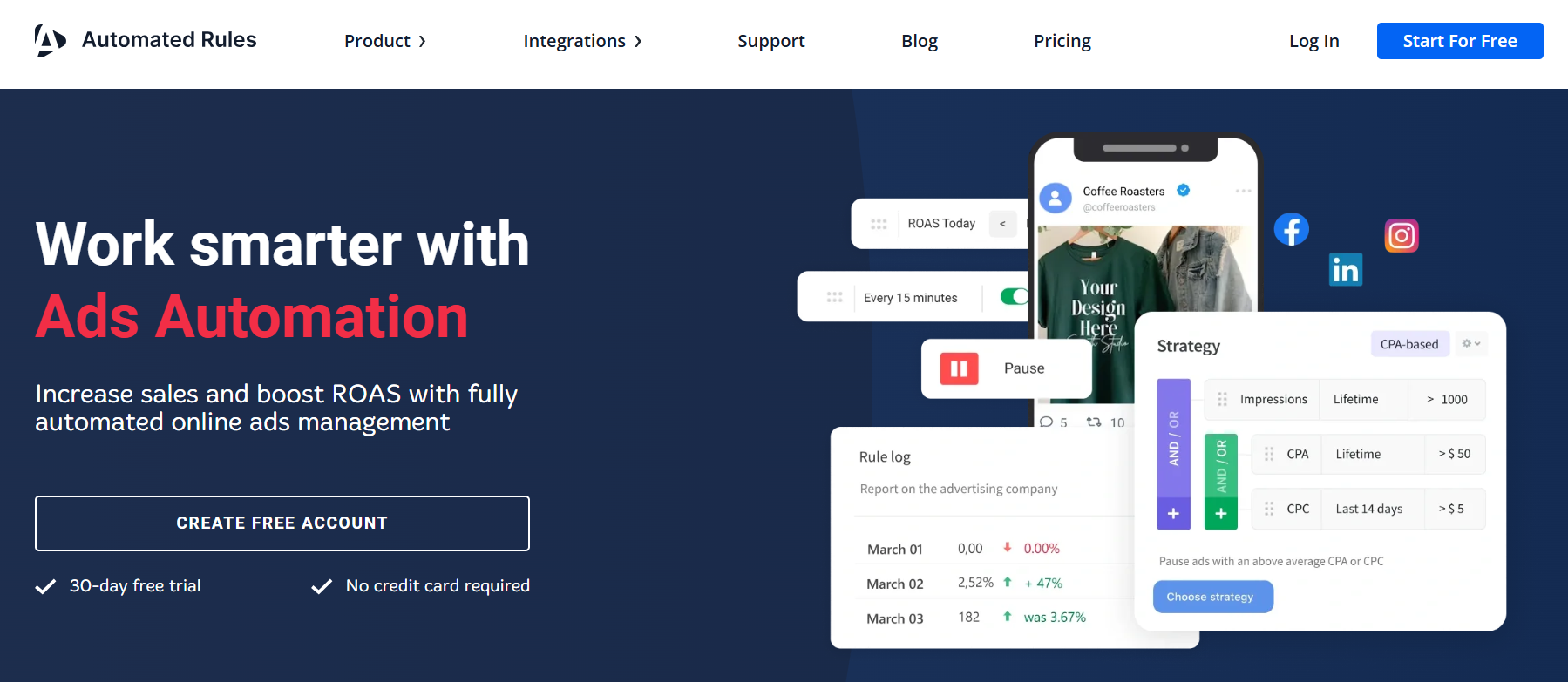
You tell the platform how your LinkedIn Ads should behave, then let it take care of the routine work behind the scenes.
Set the rules once, and Automated Rules sticks to them around the clock.
LinkedIn Ads automations
Integrations
Automated Rules also supports Facebook Ads and X Ads, while its Slack integration keeps you in the loop with key updates.
Pros
A couple of clients emphasize these strengths in their Trustpilot reviews:
- One user enjoys the ready-made automation templates that make it easy to get campaigns up and running without starting from scratch.
- Another client appreciates having all their ad platform automations in one place and being able to track the metrics that matter.
Cons
Automated Rules has only two Trustpilot reviews, with one user pointing out that:
- There's a bit of a learning curve at first, but the support team helped them find their way.
Best for
- Small B2B businesses that want LinkedIn Ads running smoothly without spending hours inside the Campaign Manager.
- Freelance marketers who need to save time as their client list grows, without sacrificing quality.
- Marketing agencies looking for an always-on assistant that keeps campaigns moving around the clock.
- Enterprise teams that want to spend less time on routine account work and more time on strategy and A/B testing.
Pricing
From $99/month
5. LinkedIn AdPilot by Factors.ai
LinkedIn AdPilot by Factors.ai is a B2B advertising optimization tool that makes every ad dollar work a little harder.
Instead of spreading your budget too thin across all audiences, the platform prioritizes the accounts most likely to become customers.
You also get a much clearer picture of how LinkedIn Ads influence pipeline and revenue.
LinkedIn Ads automations
Integrations
You can also use Factors.ai to automate Google Ads, Meta Ads, and Bing Ads and get real-time alerts through Slack or Microsoft Teams.
The platform also offers CRM sync with HubSpot and Salesforce, making it easier to track and analyze campaign impact.
Pros
Clients on G2 underline the following:
- An enterprise digital marketing lead mentions that Factors.ai cuts down the manual work involved in audience building, campaign optimization, and budget decisions.
- A market research manager enjoys the AI-powered Factors Agent that shows what prospects actually care about, making personalized outreach much easier.
- A digital marketer says the platform's AI capabilities help them get more out of both Google Ads and LinkedIn Ads.
Cons
A few improvement areas are also revealed on G2:
- A lead performance marketer would like more flexible reporting options and mentions occasional delays when syncing HubSpot data.
- An IT services company says the interface has a steep learning curve, especially for first-time users.
- Another IT services company would like to see more reporting templates and automation features to eliminate even more manual work.
Best for
- B2B startups that want to scale LinkedIn Ads without losing sight of pipeline.
- Enterprises running account-based marketing (ABM) campaigns across LinkedIn Ads and other paid channels.
- Marketing leaders who need full visibility into campaign performance to spot gaps and growth opportunities.
- Sales teams that want to identify high-value accounts and launch multichannel outreach while buying interest is at its highest.
Pricing
From $199/month
6. Soku AI
Soku AI is an AI marketing agent that keeps LinkedIn Ads from turning into a production bottleneck.
It automates ad creative production and optimization, giving you a faster way to launch and manage your campaigns.
Less busywork means more time spent on strategy and pipeline growth.
LinkedIn Ads automations
Integrations
Soku AI works across Google Ads, TikTok Ads, Reddit Ads, and other paid advertising platforms.
It also plugs into Slack, Salesforce, HubSpot, and many other marketing and productivity tools to keep your workflows running smoothly.
Pros
While Soku AI doesn’t have any public customer reviews, there is one client testimonial:
- The co-founder of GrowthMasters says Soku replaces hours of digging through marketing data with clear next steps for each campaign.
Cons
Given Soku AI’s lack of public customer feedback, it's too early to identify any recurring drawbacks.
Best for
- B2B SaaS and tech companies that want to test more LinkedIn ad creatives without slowing down campaign launches.
- B2B marketing agencies managing multiple client accounts that want to scale creative production with AI.
- Enterprise marketers who need advanced audience insights and performance reporting to run large-scale LinkedIn Ads programs.
Pricing
From $39/month. Soku AI also has a free plan but that doesn’t include LinkedIn Ads automations.
7. Hyper AI
Hyper AI is an AI agent platform that treats LinkedIn Ads like a team effort, not a one-person job.
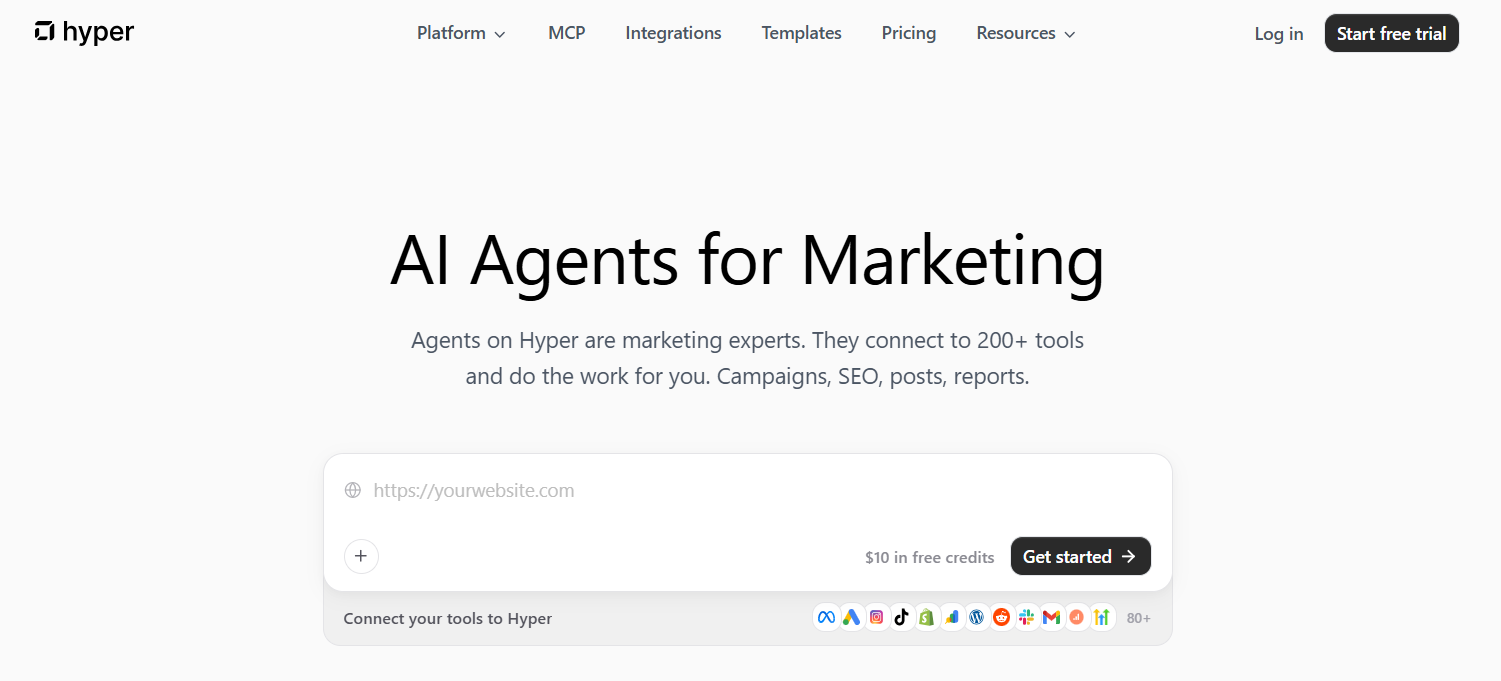
Instead of relying on one AI assistant, you get a team of specialized AI agents tackling different campaign tasks at the same time.
You stay in control of the final decisions while they do all the heavy lifting.
LinkedIn Ads automations
Integrations
Hyper AI is also an automation tool for Meta Ads, Google Ads, TikTok Ads, Amazon Ads, Reddit Ads, and Pinterest Ads.
It keeps campaign work, reporting, and collaboration in one place by integrating with Salesforce, Slack, and many other Google and Microsoft apps.
Pros
Noted in Trustpilot reviews:
- One customer praises Hyper AI for handling everything from research and reporting to campaign execution and performance summaries.
- Another user enjoys the platform’s flexibility, saying that it integrates with all their existing tools.
- One client credits Hyper AI with solving complex marketing problems independently, even when there's no predefined path to follow.
Cons
With only a handful of Trustpilot reviews available, it's too soon to draw any conclusions about the platform's weaknesses.
Best for
- B2B marketing agencies that want to delegate routine LinkedIn Ads work without growing their team.
- In-house marketing teams looking to spend less time managing campaigns and more time planning what comes next.
- B2B e-commerce brands that want constant campaign monitoring and optimization without having to check Campaign Manager all day.
Pricing
From $49/month
8. Adspirer
Adspirer is an AI paid media manager that lets you run LinkedIn Ads through AI conversations.
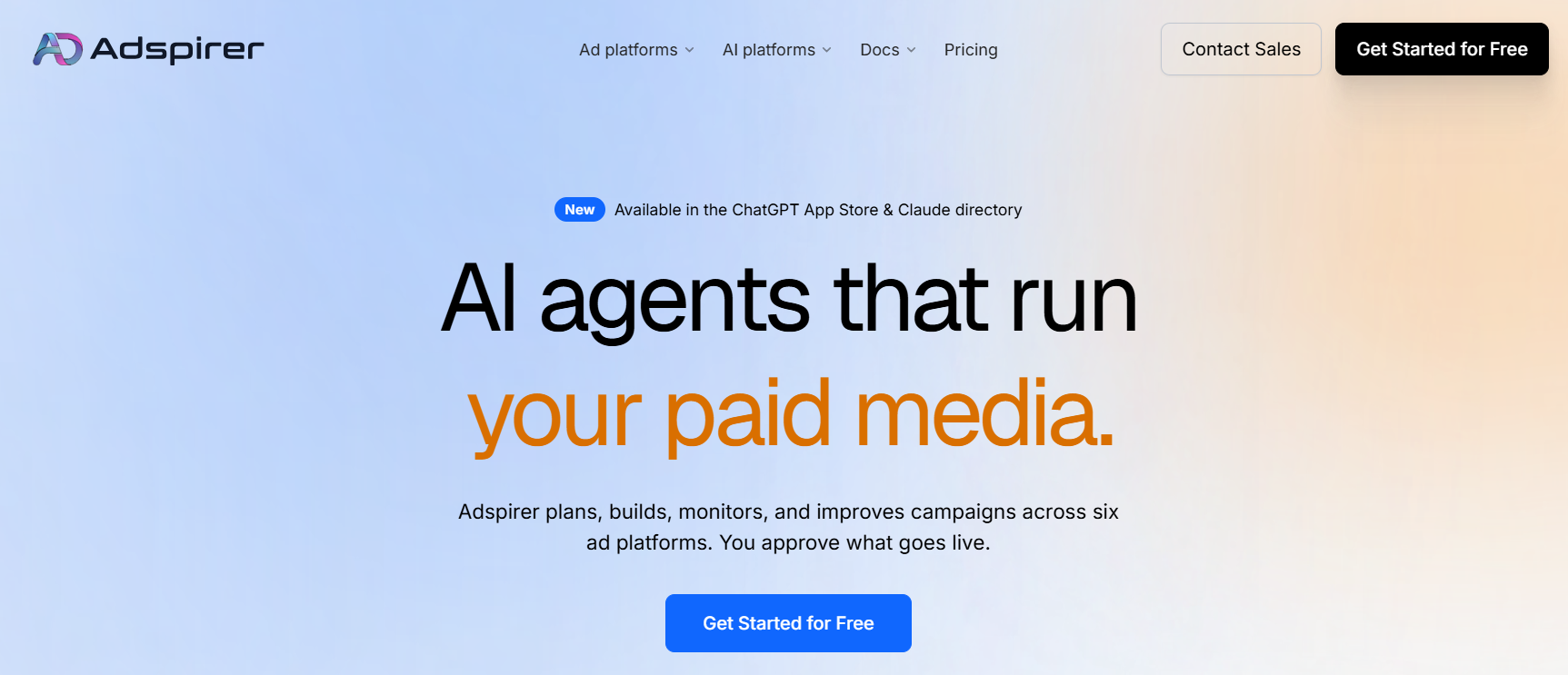
Connect your favorite AI assistant, describe what you want to achieve, and let Adspirer handle the work behind the scenes.
It gives you a simpler way to manage B2B advertising without bouncing between complicated dashboards.
LinkedIn Ads automations
Integrations
Adspirer can manage your Google Ads, Meta Ads, TikTok Ads, Amazon Ads, and ChatGPT Ads.
You can connect it to your preferred AI assistant, including ChatGPT, Claude, Cursor, Codex CLI, and Gemini CLI.
Pros
Even though Adspirer doesn’t have any online customer reviews, you can tell a lot from its client testimonials:
- One customer says Adspirer made paid media accessible because they could simply chat with Claude.
- Another client compares it to having a junior media buyer who never sleeps and pays attention to every campaign detail.
- One user credits Adspirer with helping the team grow from 10 to 50 clients by cutting down the time spent on repetitive tasks.
Cons
Unfortunately, the limited number of customer insights makes it difficult to identify potential platform downsides.
Best for
- B2B advertising agencies looking to grow their client roster without constantly expanding their team.
- Internal marketing teams that are tired of handling research, creative production, and optimization manually.
Pricing
From $83/month if you want access to AI optimization and bulk operations.
9. Uplane
Uplane is an AI marketing automation platform that handles LinkedIn Ads like one big experiment that never ends.
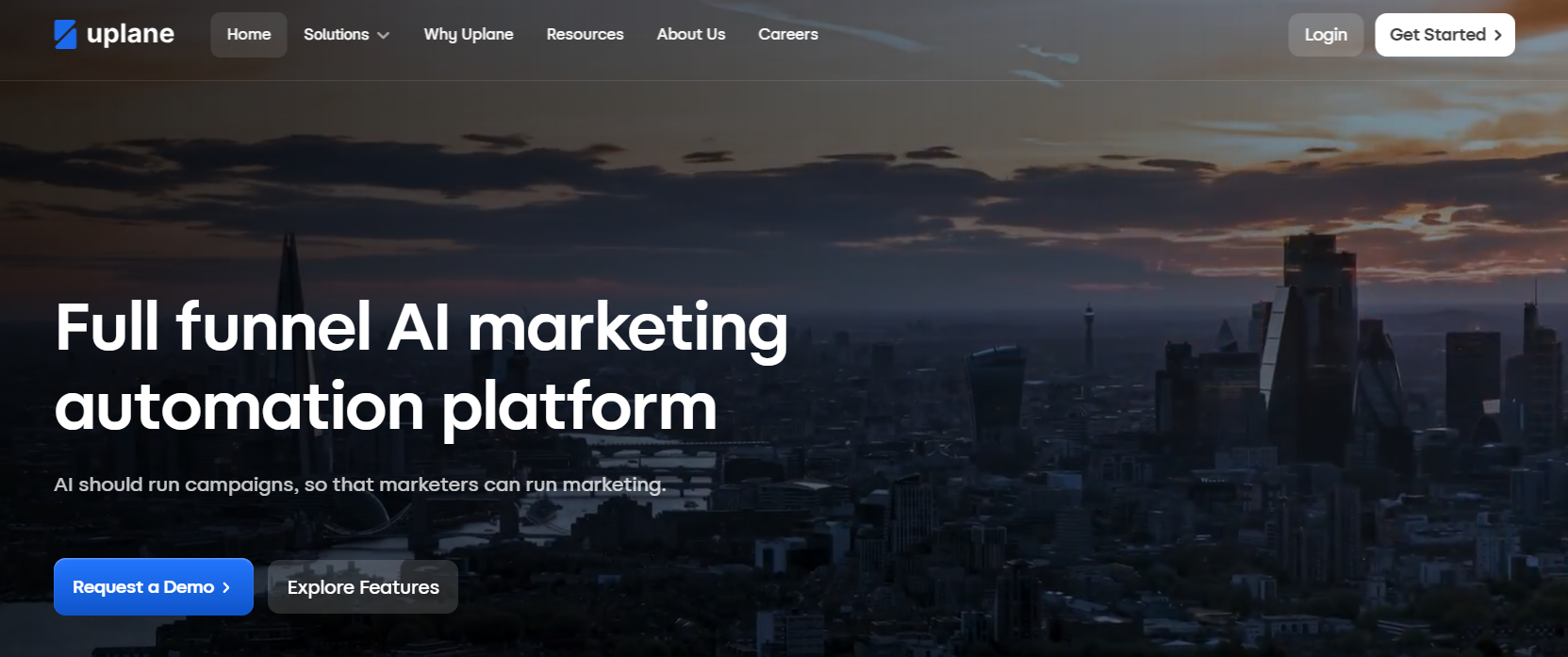
It continuously learns from campaign performance and uncovers new opportunities to improve results.
The more data Uplane sees, the smarter your advertising becomes.
LinkedIn Ads automations
Integrations
Uplane can automate your YouTube Ads, Google Ads, Meta Ads, and TikTok Ads campaigns.
The platform also plugs into Slack, Microsoft Teams, and Gmail for real-time updates and offers CRM integration with HubSpot and Salesforce for reporting.
Pros
Uplane doesn't have any public customer reviews or client testimonials yet, making it difficult to check its strengths beyond the company's own claims.
Cons
The lack of public customer feedback also makes it hard to tell where the platform falls short in day-to-day use.
Best for
- Enterprise teams that want AI to continuously test, learn, and improve LinkedIn Ads campaigns at a scale that's impossible to manage manually.
Pricing
Undisclosed
10. Adpulse
Adpulse is a PPC management platform that keeps your LinkedIn Ads organized without turning campaign management into a full-time job.
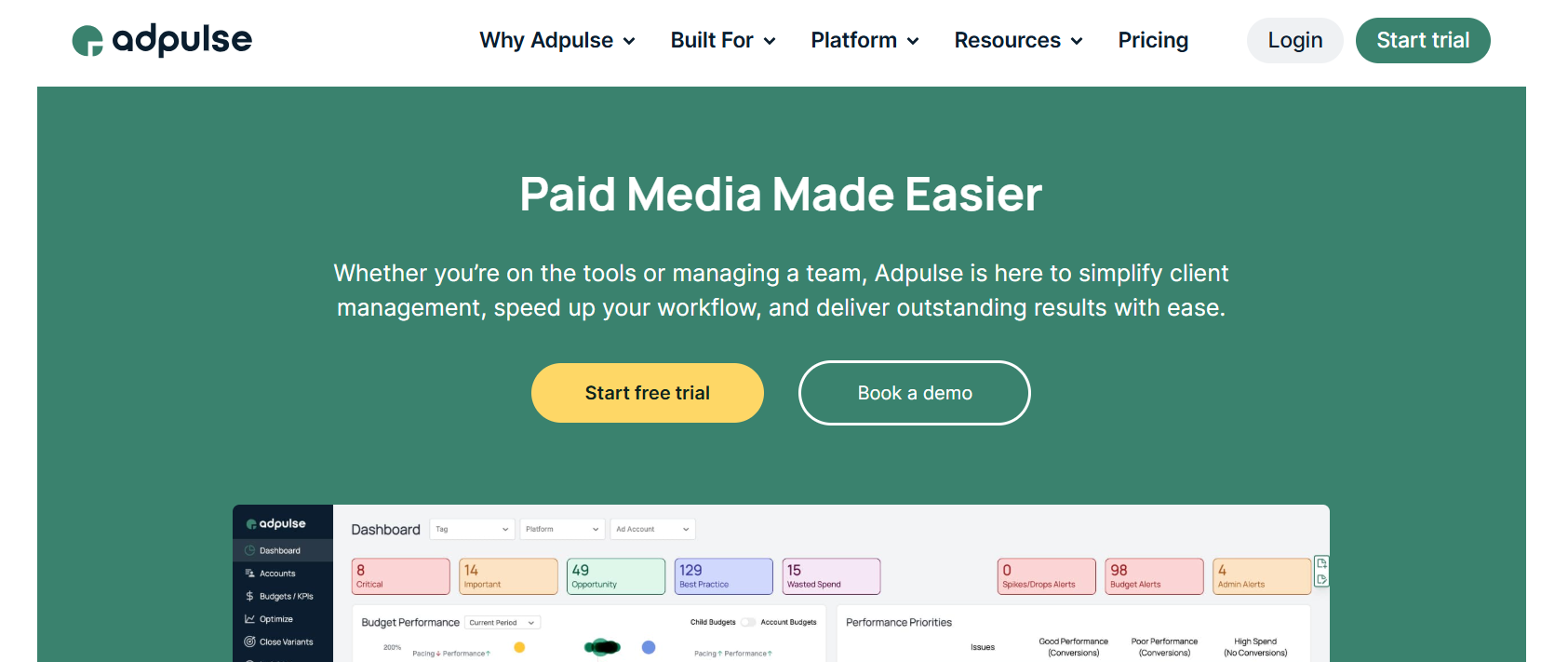
Instead of you jumping between budgets, reports, and campaign settings, everything lives in one workspace.
Less admin work means more time to optimize the campaigns that matter.
LinkedIn Ads automations
Integrations
Adpulse also lets you manage your Google Ads, Meta Ads, TikTok Ads, Microsoft Ads, Amazon Ads, Pinterest Ads, and Reddit Ads accounts.
You can also connect HubSpot, Slack, Microsoft Teams, Monday.com, Trello, Asana, and other collaboration tools to keep work and reporting in one place.
Pros
A few clients emphasize certain strengths in their G2 reviews:
- One marketing agency says Adpulse offers practical recommendations that save time, reduce wasted spend, and improve campaign performance.
- A digital advertising manager appreciates the responsive support team and likes how frequently new features are released.
- One head of digital media says the budgeting and optimization features feel like they were built by people who actually manage PPC campaigns every day.
Cons
One drawback was noted:
- The same digital advertising manager from above would like more interface customization options and says pricing could be an issue for smaller teams.
Best for
- B2B agencies tired of switching between multiple tools to manage budgets, reporting, and client accounts.
- Advertisers looking to get more from their LinkedIn Ads budget without growing their team.
- Paid media specialists who'd rather spend their time optimizing campaigns than handling repetitive account tasks.
- Marketing managers who want a live view of every LinkedIn Ads account instead of chasing updates from the rest of the team.
Pricing
From $33/month, with pricing based on your advertising spend.
How Do You Choose the Right LinkedIn Ads Automation Tool for B2B?
The right LinkedIn Ads automation tool gives you back the hours spent on repetitive tasks while letting you stay in control of big campaign decisions.
As you compare your options, pay attention to these five areas:
- Automations should save you from the repetitive work that eats up your day, whether that's managing budgets, monitoring performance, or pulling reports. Every hour you don't spend inside the Campaign Manager is another hour you can spend improving your campaigns.
- Integrations are extremely valuable if LinkedIn Ads is only one piece of your B2B paid media program. A platform that connects with Google Ads, YouTube Ads, Meta Ads, and your favorite workplace tools keeps everything moving without constant tab switching.
- Customer reviews often tell you more than a feature page ever will. They're the fastest way to see how reliable the automations are, how responsive the support team is, and whether the platform actually delivers on its promises.
- Best use cases help you separate tools built for agencies from those designed for in-house marketers, enterprise teams, or other types of advertisers. The closer the platform matches the way your team works, the more value you'll get from it.
- Pricing should be judged by the time and effort you save, not just the monthly subscription. Look at how costs change as your ad spend or number of accounts grows, then decide whether the platform will earn its place in your tech stack.
Over to You
LinkedIn Ads automation tools for B2B won’t magically fix a weak strategy. But the right one will happily take care of the repetitive jobs that never seem to disappear.
Find the platform that makes your work feel lighter, not more complicated. Then let it handle the routine while you focus on the decisions that still need a human touch.
If you’re tired of babysitting your LinkedIn Ads, start your free Sami trial today and take a well-deserved break.

.png)
Related Articles
Top 10 LinkedIn Ads Automation Tools for B2B Marketers in 2026
12 SaaS LinkedIn Ads Agencies to Drive Pipeline Growth in 2026

LinkedIn Ads for SaaS: The Complete B2B Playbook
Join 0,000 B2B marketers leveling up their paid advertising skill set! 🚀
Join 0,000 B2B marketers leveling up their paid advertising skill set! 🚀


